
Templates · Heritage Oak
Heritage Oak: an illustrated family tree poster
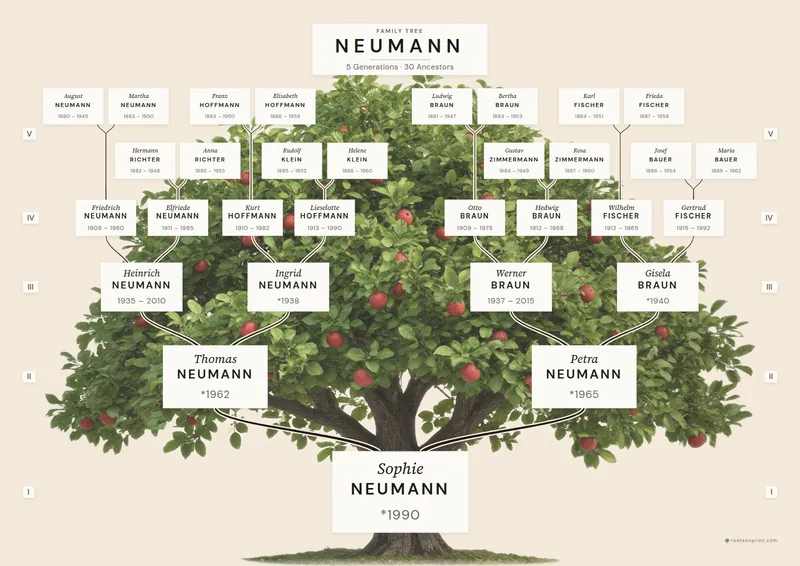
A family tree poster with a real tree in it: your family sits on plaques in the crown of a painted illustration, joined by branches that grow finer with every generation.
Heritage Oak is our template for anyone who hears “family tree” and pictures a tree rather than a diagram. The root person stands at the foot of the trunk and the ancestors rise into the crown. Every person is linked to their parents by a branch of their own, so you can trace each line with a finger.
from $54
Launch price until Nov 22Shipping to United States included · delivered in 7–12 business days from payment, printing included

Examples from the renderer
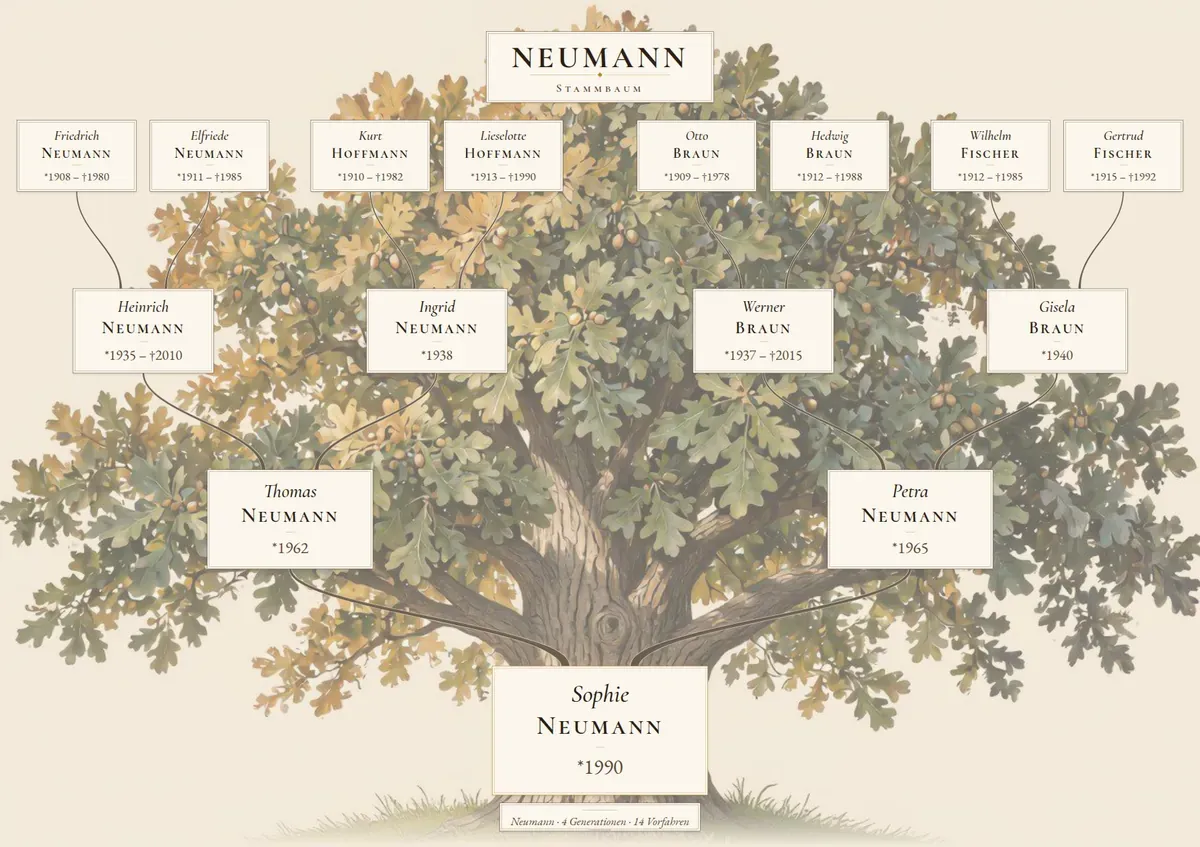
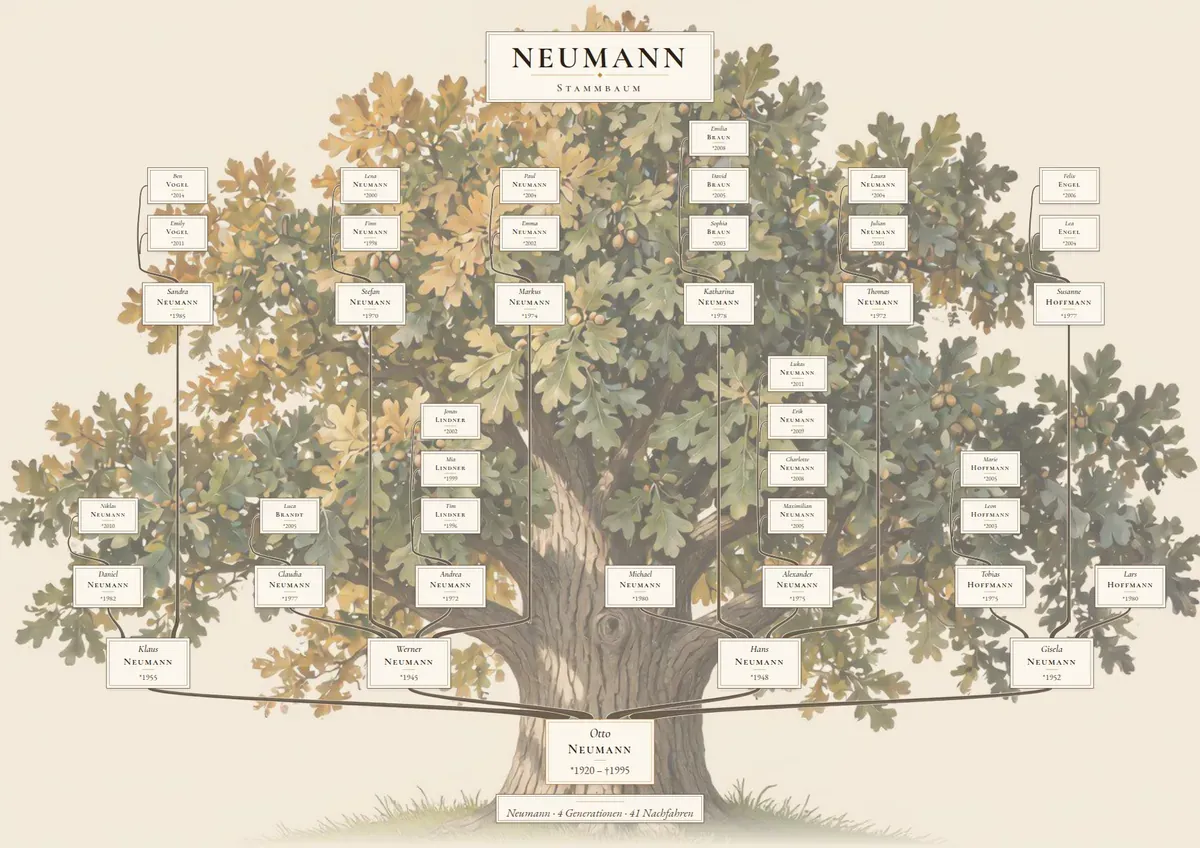
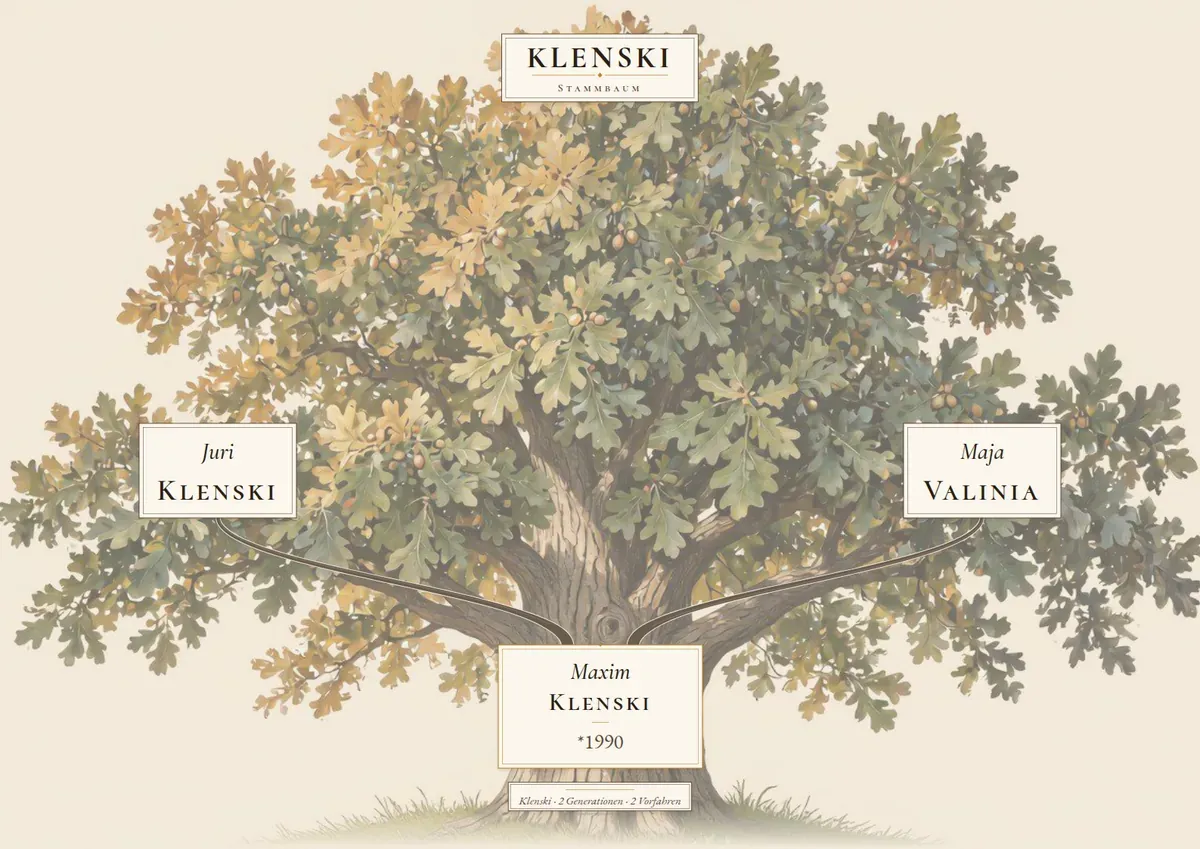
Preview renders of made-up test families, produced by the same renderer that writes the print file. The print file has 300 dpi.
The tree catalogue
Every tree you can order right now. You pick the wall colour in the design step.
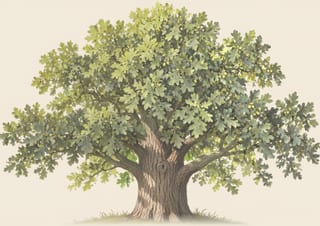
Classic · Oak
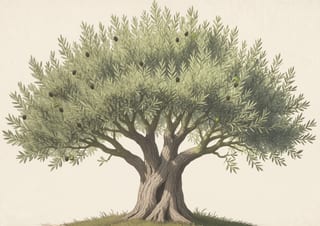
Classic · Olive tree
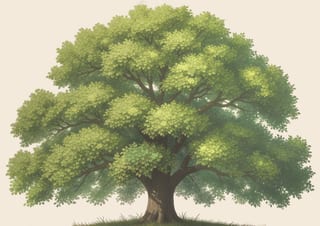
Classic · Linden
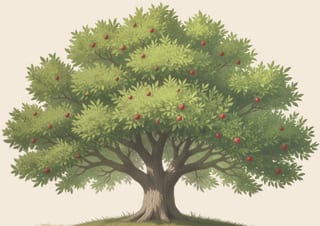
Classic · Apple tree
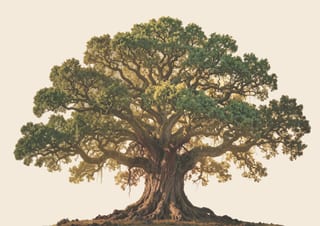
Golden hour · Oak
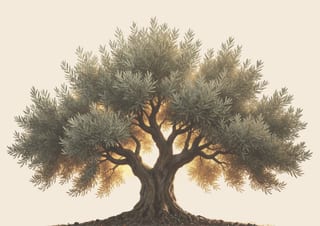
Golden hour · Olive tree
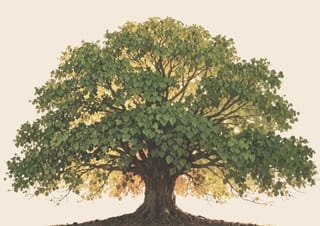
Golden hour · Linden
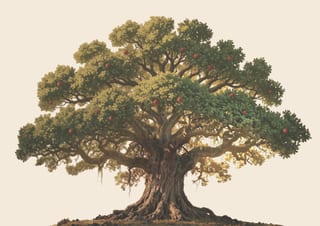
Golden hour · Apple tree
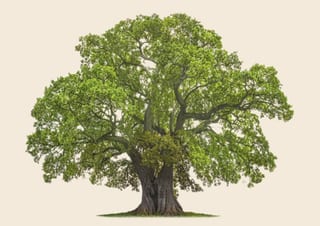
Realistic · Oak
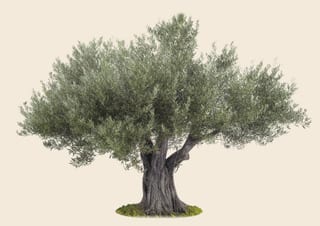
Realistic · Olive tree
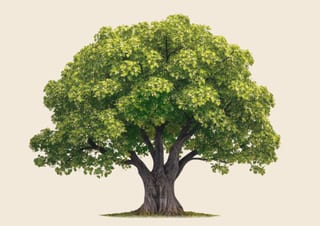
Realistic · Linden
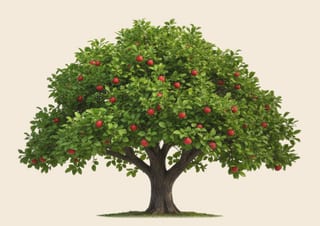
Realistic · Apple tree
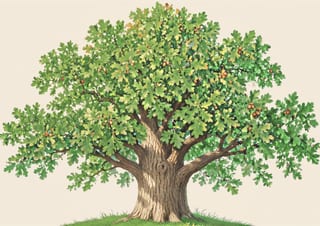
Colourful · Oak
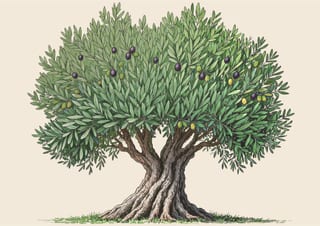
Colourful · Olive tree
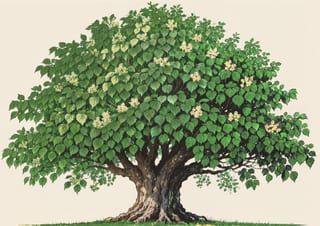
Colourful · Linden
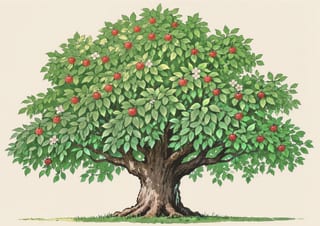
Colourful · Apple tree


What the poster shows
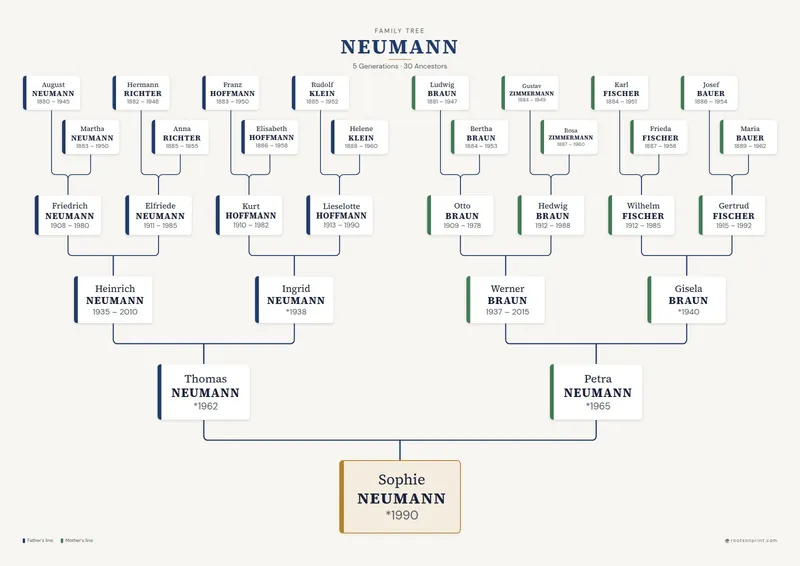
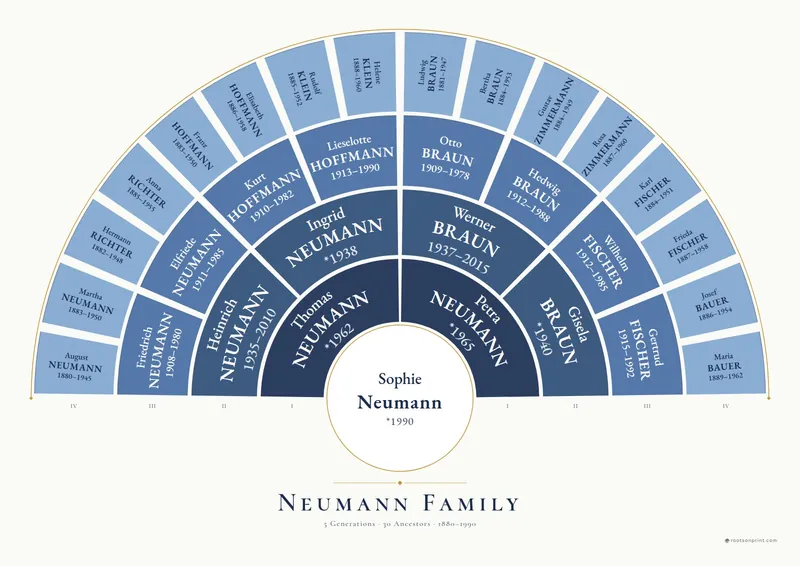
In ancestor mode the poster shows one person’s forebears: parents, grandparents, great-grandparents and further back, up to 7 rows on A1 and 5 on A4, counting the root person. On deep trees the outer generations spread over staggered sub-rows, held together by Roman numerals at the edge.
In descendant mode the direction flips: one ancestor or couple stands on the trunk, and children, grandchildren and great-grandchildren grow upwards. That suits a grandparent’s milestone birthday or a reunion where everyone looks for their own name.
Unknown ancestors get no empty card and no question mark. Where a line ends, the tree closes up instead of printing gaps.
Styles, species and wall colours
Heritage Oak is a catalogue. You choose the style (Classic, Golden hour, Realistic, and Colourful), the species (Oak, Olive tree, Linden, and Apple tree) and the wall colour behind the tree (Parchment, Sage, Linen, and White). Plaques, branches and lettering change with the style, so picture and type belong together.
If you like, the spouse appears as a line “& Name” on the root person’s card, and on every card with a partner in a descendant tree. When a card would get too crowded, the renderer leaves the line out rather than shrinking the text.
Who it is for
This template is made for the living room or the hallway, and for gifts that carry weight: a golden wedding anniversary, grandma’s eightieth, Christmas with the whole family. If you have spent years on research, you finally see it as a picture; if you only know your grandparents’ names, you still get a full, balanced tree.
Sizes, paper and frames
Every template is printed in landscape at 300 dpi with lightfast inks.
- Sizes: currently A4, A3, A2, and A1
- Unframed on 250gsm museum paper, framed on 200gsm matte paper
- Frames in natural wood, black or white: pine with shatterproof plexiglass, hanging kit included. Heritage Oak comes with the natural frame preselected.
Your data
Upload a GEDCOM file from Ancestry, MyHeritage, FamilySearch, Family Tree Maker or any other program, or type the family into the online assistant, up to 7 generations in each direction. Living people are printed without years by default, and you can fix typos before printing without touching your file.
Frequently asked questions
How many generations fit on Heritage Oak?
Up to 7 rows on A1 and 5 on A4, counting the root person. If your file holds fewer, the poster adds no empty rows.
Can I show descendants instead of ancestors?
Yes. In the design step you choose the direction: one person’s ancestors, or all descendants of an ancestor who then stands on the trunk.
Which trees can I choose?
Currently the styles Classic, Golden hour, Realistic, and Colourful, each as Oak, Olive tree, Linden, and Apple tree, on Parchment, Sage, Linen, and White walls. The design step shows every combination in the preview right away.
What happens to living people?
Living people appear without a birth year by default. Anyone without a death date who would be at most a hundred years old counts as living. You can switch the protection off in the design step.
Do I need a GEDCOM file?
No. The online assistant lets you add the family person by person, up to 7 generations in each direction. If you just want to look, try the template with our sample tree.
See your family in this template
Upload a GEDCOM file or type in the names. The preview is free and ready in a few seconds.