
Free printable family tree charts
Download our blank charts, print them at home and fill in your family by hand. Free, no sign-up needed.
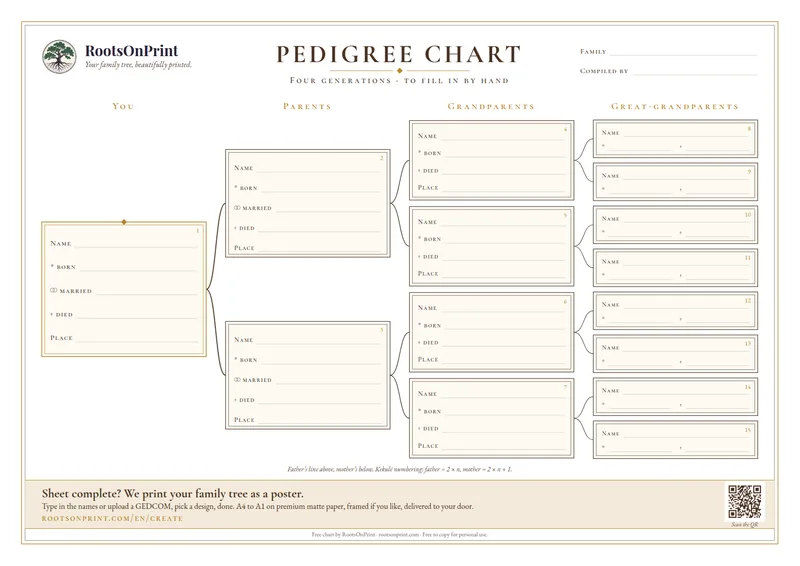
Pedigree Chart · 4 generations
Classic pedigree chart with 15 fill-in fields: you, parents, grandparents, great-grandparents, with lines for name, birth, marriage, death and place.
PDF · A4 landscape · 1 page
Download Free Chart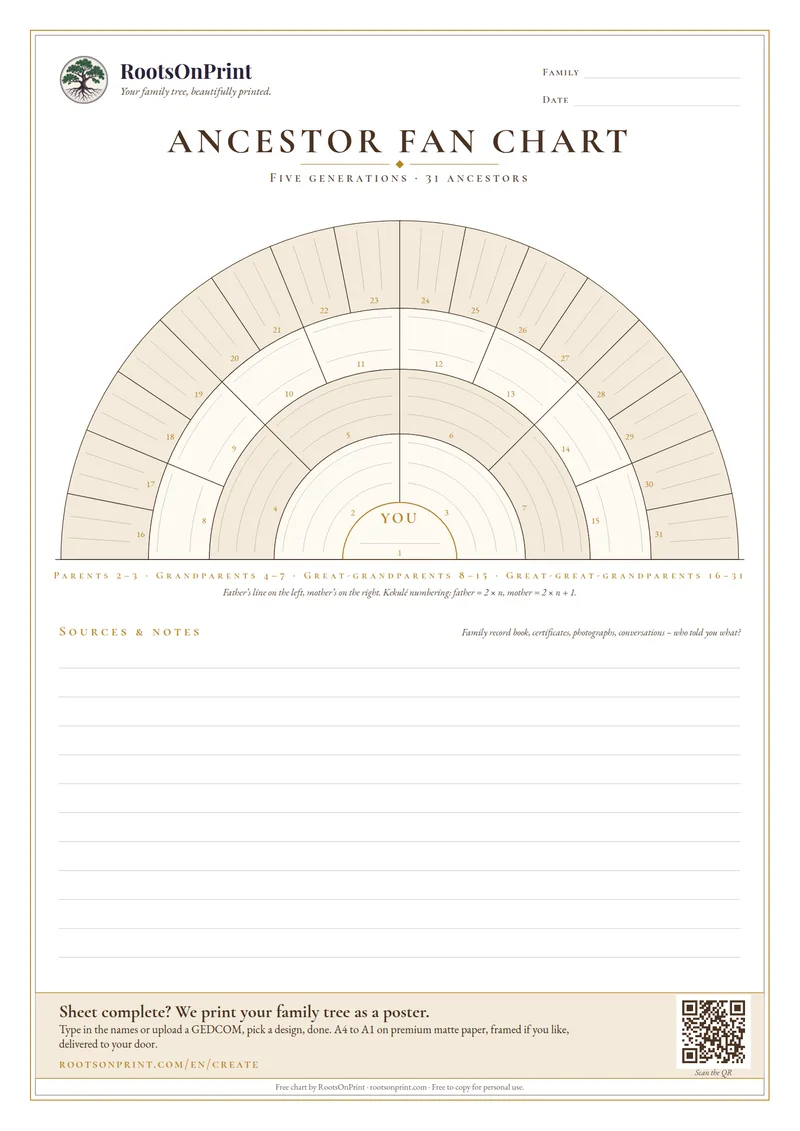
Ancestor Fan Chart · 5 generations
Semicircular fan with 31 fields for five generations, Kekulé numbers in every field, writing lines and a notes block for your sources.
PDF · A4 portrait · 1 page
Download Free Chart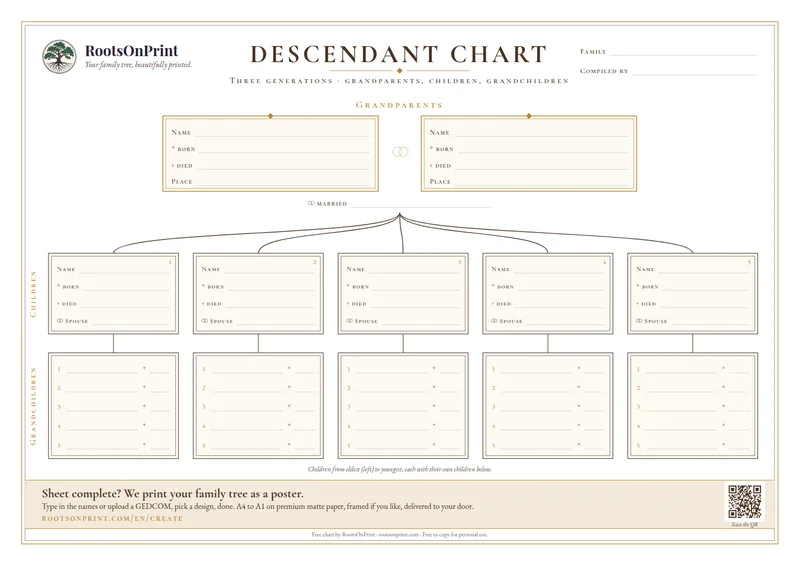
Descendant Chart · 3 generations
The grandparents at the top, below them up to five children with their spouses and five grandchildren each. A lovely gift for a milestone birthday or a golden wedding.
PDF · A4 landscape · 1 page
Download Free Chart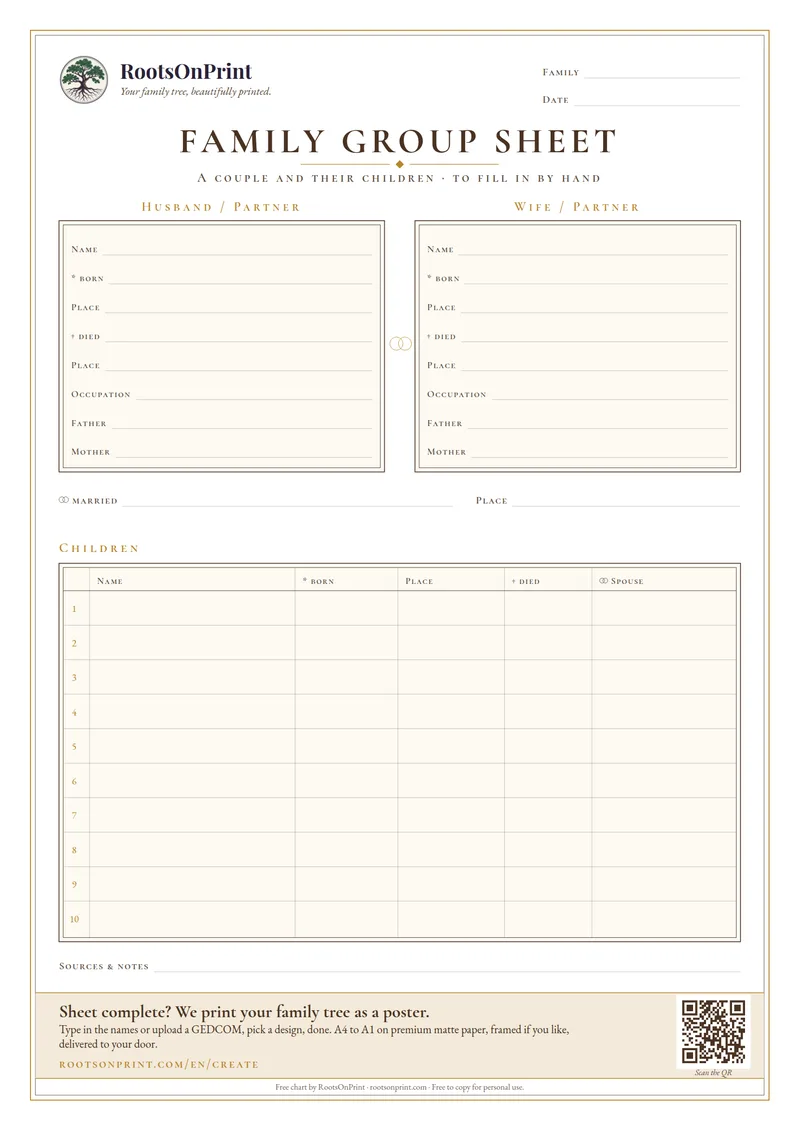
Family Group Sheet · couple and children
One couple with birth, death, occupation and parents, plus the marriage and a table for up to ten children. The classic worksheet of family history research.
PDF · A4 portrait · 1 page
Download Free ChartChoose “Actual size” when printing (on US Letter paper, “Fit to page”). All charts carry the RootsOnPrint seal and are free to copy for personal use.
How to fill in the chart
A blank family tree chart is the easiest way to start researching your ancestry. You need no software and no account: print the PDF, pick up a pencil and begin with yourself. Most people have three generations on paper within an hour. The steps below show how to fill in the boxes, where to find missing details and how the handwritten sheet later becomes a printed poster.
1. Print the chart
The pedigree and descendant charts are laid out for A4 in landscape, the fan chart and family group sheet in portrait. Choose “Actual size” instead of “Fit to page” when printing on A4 so the fields stay large enough to write in; on US Letter paper choose “Fit to page”, it only shrinks the sheet by a few percent. For a family reunion, a copy shop can enlarge the file to A3 or tabloid size.
2. Start with yourself
The large box on the far left of the pedigree chart, or the centre of the fan, is for you, or for the person whose ancestors you are documenting. Write the full name including the maiden name, the date of birth and the place of birth. A consistent date format such as 12 Mar 1958 avoids mix-ups later.
3. Add parents and grandparents
Every person has two boxes to their right (or outside them): on the pedigree chart the father above and the mother below, on the fan the father on the left and the mother on the right. The order stays the same in every generation, so you can follow each line at a glance. For ancestors who have died, add the year of death as well; it helps when searching archives.
4. Mark gaps instead of guessing
If you are not sure about something, write it in pencil with a question mark. Empty boxes show you where to look next. Note in the margin who you want to ask: grandparents, aunts and uncles often remember names and places that were never written down.
5. Use the sources at home
Family record books, birth and marriage certificates, labelled old photographs and obituaries are the best sources you already own. For earlier generations, civil registration records and church registers help; many are available online through FamilySearch, Ancestry or national archives.
6. From sheet to poster
Once the sheet is full, enter the names in the RootsOnPrint wizard or transfer them to a genealogy program and upload the GEDCOM file. We turn it into a poster from A4 to A1, printed on 250gsm museum paper, framed if you like.
Tip: photograph the completed sheet with your phone before you pass it on. Nothing gets lost at the reunion, and you always have the latest version with you.
Ready for the next step?
Upload your GEDCOM file and we'll turn it into a printed poster.
Create Your Poster